Article
What to automate in fitness programming, and what to keep human
Spreadsheets are rarely the real problem. The hours go to the lookup and copy work around the sheet, which is the work worth automating. The decisions stay with the coach.
By RaiNGE product teamUpdated 6 min read
Written for facility owners, head coaches, and personal trainers whose programming admin has outgrown manual systems.
See a workout RaiNGE builds from a short intake before you decide what to hand off. Get a sample workout
On this pageMost programming time goes to lookup, not writing
Most programming time goes to lookup, not writing
Coaches start with spreadsheets for good reasons: they are fast, flexible, free, and familiar. The trouble starts when the sheet becomes the whole operating system. Comments turn into progress notes, hidden tabs into templates, text threads into feedback, and the coach's memory into the safety filter.
Manual programming drains time in fragments. For each client, the coach checks the sheet, then the messages, then the last log, then the injury note, then the equipment. Each jump is small. Together they turn an hour of programming into an evening.
In this example, lookup takes 2.5 hours and writing takes 1.5. Your numbers will differ. The ratio is what matters: most of the week goes to finding context, and finding context is work software can do.
The quality cost is worse than the time cost
Context switching also lets things slip. One client mentions knee pain in a message on Tuesday, and Thursday's session still shows box jumps. A coach makes a smart substitution and never records why, so the next coach sees a different exercise and no reason. A second coach covers a week and changes loads in a copy of the sheet nobody else opens.
None of this is the spreadsheet's fault. Assignment, feedback, review, and changes need a home. When they live outside the plan, the plan gets harder to trust, and the coach spends more time double-checking it.
What to automate and what to keep human
The line is simple to state. Automate work that needs attention but no judgment: looking things up, drafting from known context, and listing options. Keep work that depends on the person in front of you.
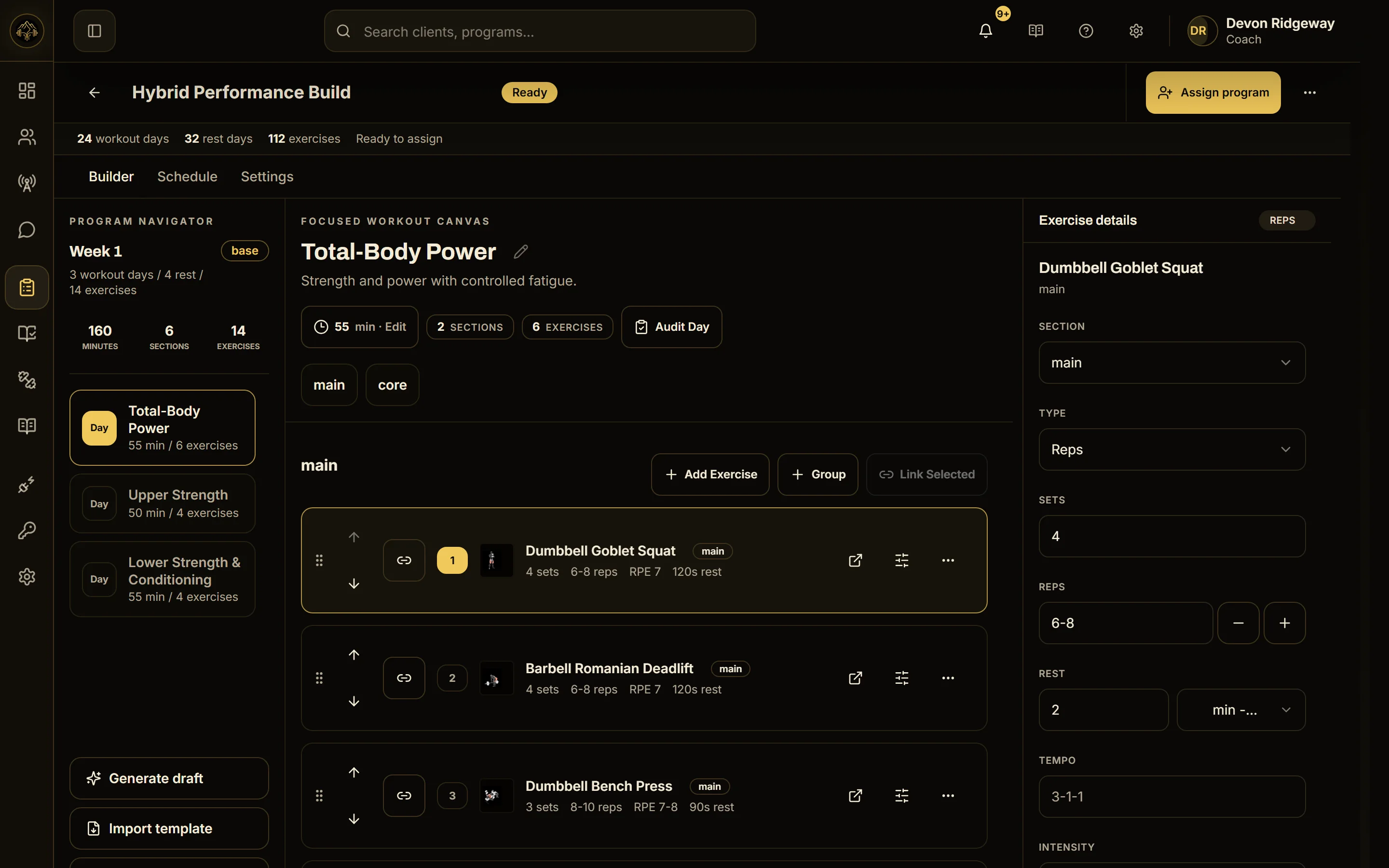
RaiNGE is built on that line. AI drafts each program from client context, deterministic safety rules remove exercises that conflict with flagged limitations, and nothing reaches a client until a coach approves it. A pain score of 4/10 or more creates a pending adjustment for the coach, and nothing changes the plan automatically. The AI workout generator page shows the full sequence.
The strongest objection: my spreadsheet is how I think
The strongest case against automation is that the spreadsheet holds the coach's thinking. Its flexibility lets a good coach program exactly what they mean, and handing drafts to software risks generic training that looks fine and fits nobody. For a coach with a handful of stable clients, the sheet also wins on cost.
That objection is right about the risk. A draft built from thin input will be generic, and a coach who rewrites every draft has saved nothing. The reply is to automate the parts that never involved thinking. Nobody's coaching philosophy lives in scrolling messages for a pain comment. Keep your structure, your progressions, and your cues, and let software fetch the context and write a first pass you can edit or throw out.
Then measure it. If after a month you still rebuild most drafts from scratch, the tool is not saving time and the sheet should win. The spreadsheets vs programming software comparison sets out what you gain and lose either way.
What to do on Monday
- 1
Audit one normal week
Before changing anything, count the four things in the checklist below. The numbers tell you whether the problem is program content or the work around it.
- 2
Write your never-automate list
Put it in writing: today's session call, clearing pain, progressing after missed weeks, and anything else you would not hand to a coach you hired yesterday. Any tool you adopt has to respect that list.
- 3
Move one lookup into one place
Pick the lookup that costs the most, usually pain comments buried in messages, and give it a single home next to the program this week, even if that home is a column in the sheet.
- 4
Trial on the hard clients
If you test software, use 5 to 8 clients with real complexity: mixed schedules, varied equipment, injury notes. Time the weekly update before and after, and count how often you can find the reason for a change.
- 5
Keep the review step
Whatever you automate, a person approves what the client receives. The human-in-the-loop coaching essay explains why that step carries the weight.
Count these for one normal week
- Places you check before updating one client's plan
- Clients who needed an exercise substitution
- Plan changes made in messages instead of the training record
- Times another coach could not explain why a workout changed
Common questions
Can you fully automate fitness programming?
You can automate most of the preparation. The parts that depend on judgment, such as what a client trains today and how to respond to pain, still need a coach. Tools that skip that step move the risk onto the client.
Will automating programming make my programs generic?
Only if the input is generic. A draft built from a client's goals, history, equipment, and injury notes starts specific, and your edits make it yours. If you find yourself rewriting most drafts, the tool is not earning its place.
How do I know manual programming is costing too much?
Time one weekly update across your roster and split it into lookup and writing. If lookup is more than half, or updates are sliding into evenings, the admin is the problem. The personal training programming software page shows what handing it over looks like.
Is a spreadsheet still fine for a small roster?
Yes. With a handful of stable clients, a spreadsheet is cheap, flexible, and fast, and the lookup cost stays small. The case for software grows with roster size, staff count, and how often plans change midweek.