Article
What a digital twin means in fitness coaching
Strip away the engineering term and a fitness digital twin is a client profile that stays current. Its job is to answer one question before every plan change: what is different since last time?
By RaiNGE product teamUpdated 5 min read
Written for coaches who want personalized programming without rebuilding each client's context by hand.
See how RaiNGE starts each draft from the client's profile and check-ins, then waits for the coach to approve it. See coach-reviewed AI drafts
On this pageWhat a digital twin means once you remove the jargon
What a digital twin means once you remove the jargon
In engineering, a digital twin is a virtual model of a physical system, such as a jet engine, that updates from sensor data so engineers can see its condition without taking it apart. Fitness borrowed the term. In coaching it means a client profile that updates as the client trains, so a coach can see the person's current state before changing the plan.
Good coaches have always kept a mental version of each client: the knee that complains after lunges, the client who under-reports fatigue, the lift that stalled in March. A written, shared profile does the same job but survives a busy week, a second coach, and a roster of 60.
The test for any digital twin, in software or in a notebook, is one question: what changed since the last plan? If the profile cannot answer that in a minute, it is an intake form with a new name.
The four signals a living profile should keep
Most of the value comes from four kinds of information. Each tells the coach something different, and each goes stale at a different speed.
The last column matters most. A profile that refreshes capacity every month but never refreshes readiness will plan Thursday's session for Monday's client.
A profile is only useful when it changes a decision
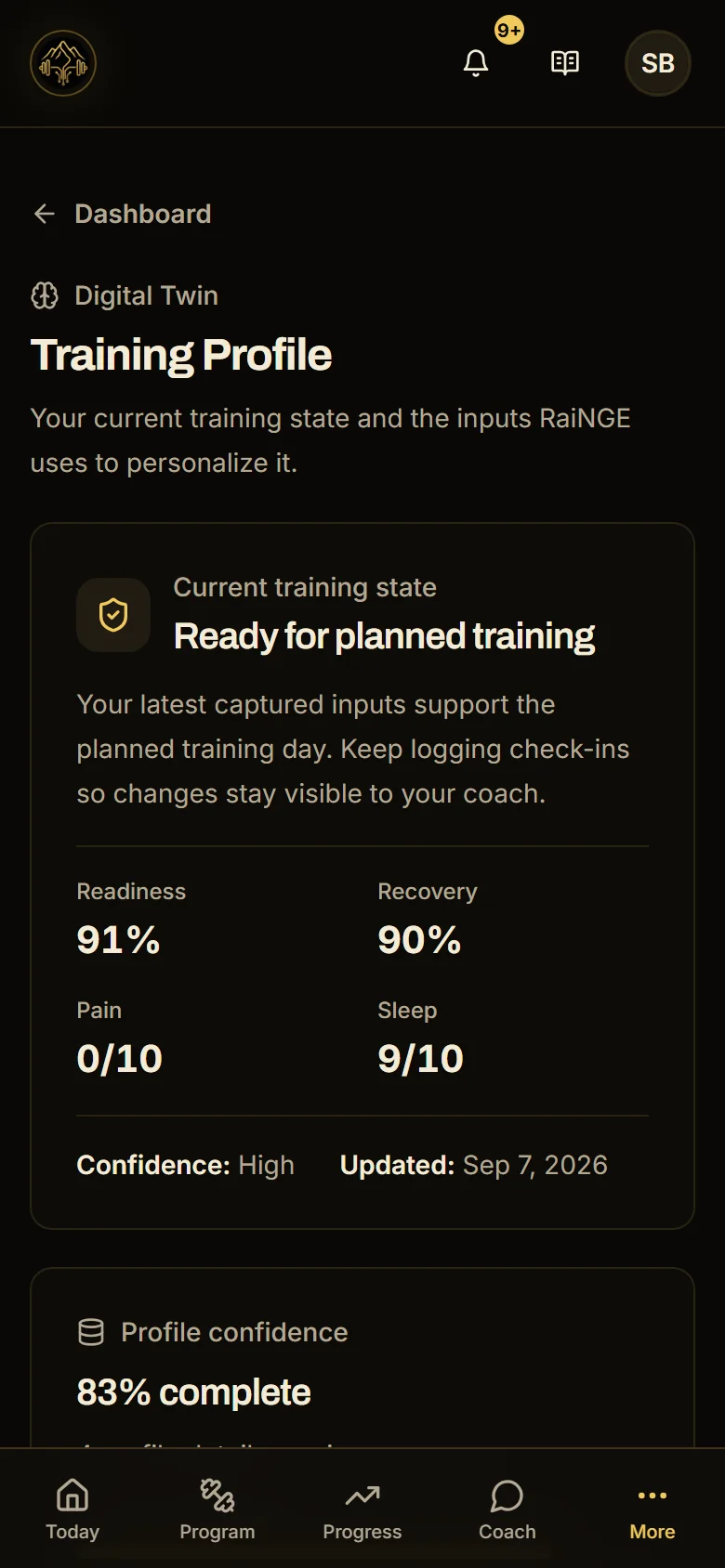
Every field should connect to one of five calls: progress, repeat, regress, substitute, or pause. If a field cannot affect any of them, it does not belong near the top of the coach's screen. Here is how that plays out for one session.
- 1
The plan
Thursday calls for trap bar deadlifts, 4×5 at RPE 7. Capacity supports it: the client pulled the same load for 4×5 last week at RPE 7.
- 2
What changed
This morning's check-in shows 5 hours of sleep and a new low-back pain note at 4/10.
- 3
The decision
Under the usual pain score bands, 4/10 means modify before loading. The coach swaps to hip thrusts and back extensions at 3×8, keeping hip extension work and dropping the loaded hinge for the day.
- 4
What gets recorded
The coach writes the swap and the reason into the profile, so the next coach sees why the deadlifts did not happen and does not progress them as if they had.
None of this needs a readiness percentage. It needs the plan and the change side by side, early enough to act. In RaiNGE, a pain score of 4/10 or more creates a pending adjustment for the coach to review, and nothing changes the plan automatically. The low-back deadlift alternatives guide covers the swap itself.
Every fact needs to keep its source
A profile becomes risky when it forgets where a fact came from. A logged lift, a client saying their back feels fine, a coach noting a hip shift, and an AI-written summary of the month are four different kinds of evidence. Mixed together without labels, a generated guess can end up carrying the weight of a measured lift.
The practical rule: keep the original entry, show who or what made it, and never let a summary overwrite the data underneath it.
The strongest objection: this is a client profile with a new name
Partly true, and worth admitting. Remove the term and you have a profile that updates. Plenty of software puts the digital twin label on a static intake form, and coaches are right to be skeptical.
The reply is that the update loop is the whole difference. A static profile is accurate on day one and wrong by week three. A living one is only as good as its last check-in, which is why readiness and response matter more than the length of the intake form. Judge any twin by the date on its latest entry and whether that entry changed the next plan, and ignore the label.
What to do differently on Monday
Audit one client profile this week
- Find the date of the last readiness check-in and the last logged session. If either is over a week old, the profile describes someone else.
- Check that every injury and pain note has a date and a source.
- Move any intake field that has not affected a programming decision in the past month out of the main view.
- Add one line of coach observation after each session: the thing you saw that the log does not show.
- Before the next plan change, write down what changed since the last one. If you cannot, find out first.
RaiNGE drafts start from this kind of context: goals, training history, equipment, schedule, injury and pain notes, and readiness check-ins. A coach reviews, edits, and approves every draft before it reaches a client, as the personal training programming software page shows.
Common questions
Do I need wearables to build a digital twin for clients?
No. A daily check-in covering sleep, soreness, stress, and pain gives most of the readiness signal, and session logs cover response. Wearable data can add detail, but it is one more input to interpret. Start with the four signals from simple sources, and add devices only where they would change a decision.
How often should a client profile be updated?
Readiness before each session, response as each session is logged, capacity every four to eight weeks through testing or logged performance, and coaching context whenever something changes. Each entry should carry a date, so a coach can tell at a glance which parts of the profile are current.
Is a fitness digital twin the same as one in elite sport science?
The idea is the same and the scale differs. Elite programs may model force-plate data, GPS load, and blood markers. Most coaches need a lighter version: the facts that change exercise selection, loading, and progression for a client this week. More data only helps if someone acts on it.